
The employer funds the plan
Set employee allocations and complete funding before card use.
HOW AYA WORKS
See how Prepay and PostPay spending accounts work, from employer funding to employee payments and claims.
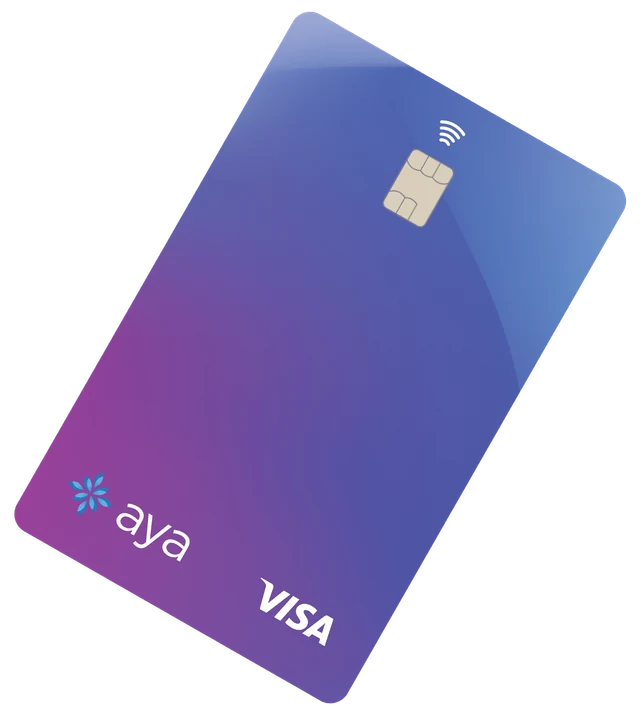
PREPAY
Your company loads funds before employees spend. Employees use their Aya prepaid Visa card for eligible expenses within their available balance and plan rules.
Set employee allocations and complete funding before card use.
Use the activated card at eligible providers that accept it, with enough funds available.
Keep and submit the required receipt and supporting information through Aya.
A card payment still needs to meet your plan’s rules. Out-of-pocket claims may be needed when card payment is unavailable.
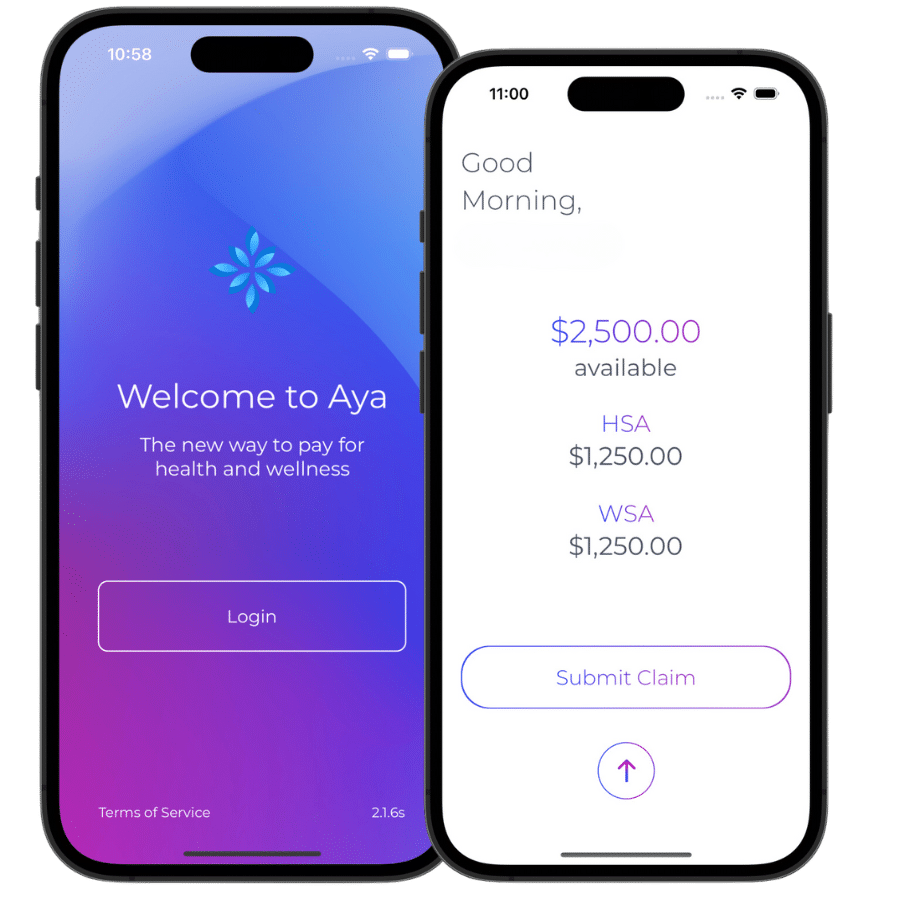
POSTPAY
Employees pay the provider, then submit a claim. The employer funds approved benefits before Aya reimburses the employee.
Keep an itemized receipt for an expense eligible under the plan.
Upload the receipt and required information in the app or web portal.
After approval and receipt of employer funds, reimbursement is processed to the employee’s bank account.
An employer-funded float can support reimbursement without funding every invoice separately. Review and bank processing times still apply. PostPay is not a credit facility.
COMPARE THE EXPERIENCE
| Your decision | Prepay | PostPay |
|---|---|---|
| Employer funding | Before card spending | Before employee reimbursement |
| Employee experience | Pay with funded Aya card; submit receipt | Pay personally; submit claim for reimbursement |
| Access | Aya card, app and web portal | App and web portal |
| Best fit to explore | Reduce the need to pay personally for eligible card purchases | Use a reimbursement approach to employer-funded benefits |
| Plan choices | HSA, WSA or a combination | HSA, WSA or a combination |
Aya’s all-in-one digital wallet, accessible on desktop and mobile, gives employees instant access to submit claims, view history, eligibility, balances, and plan information. You choose between our Prepay and PostPay options; Prepay includes our popular Visa card with white-labeling options!
Yes. Employees can pay for an eligible expense and submit the receipt through the Aya app or online portal for reimbursement.
ONBOARDING AND SETUP
Choose your HSA, WSA or Flex account, set employee benefit limits, and select Prepay or PostPay. Aya’s welcome emails guide you and your team through the next steps.
Great news! You have all-in-one coverage. You’ll receive a balance for each bucket to use within the specified frameworks. If your employer set up a Flex account for you, you’ll receive a lump sum and can decide how much to allocate to your HSA or WSA bucket at the start of the year!
Aya offers use-it-or-lose-it and carryover options. With a use-it-or-lose-it plan, unused contributions and associated taxes are returned to the employer after the claim-submission grace period. Administration fees are non-refundable.
Once we receive the completed application, onboarding is completed within 24 hours.
Review Aya’s original guides to Prepay and PostPay plan administration.
YOUR PLAN STARTS HERE
Confirm the account and funding fit, review your written quote, and prepare to enrol.