AYA RESOURCES

Spending account resources.
Put your plan to use.

Find HSA and WSA explanations, eligible expense lists and Aya’s original enrolment guides and portal walkthroughs.

START WITH THE ACCOUNTS

Health spending. Wellness spending.

SEE AYA IN ACTION

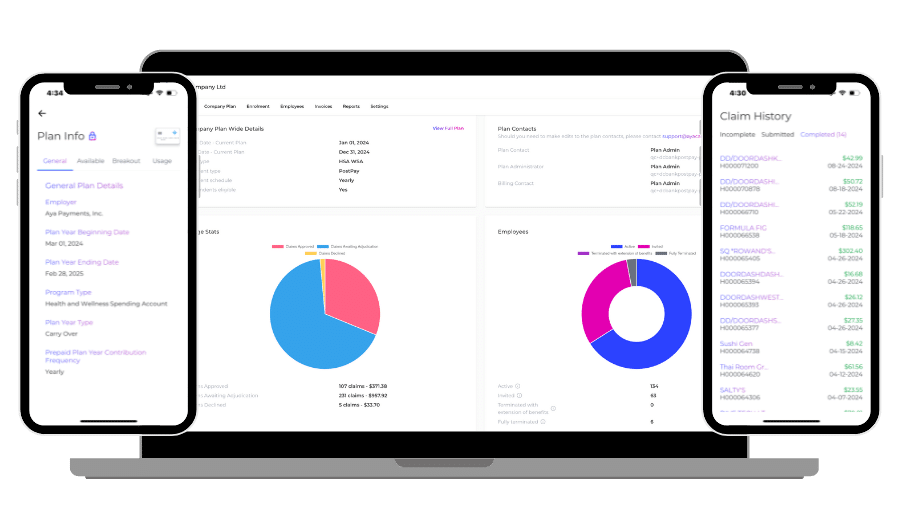
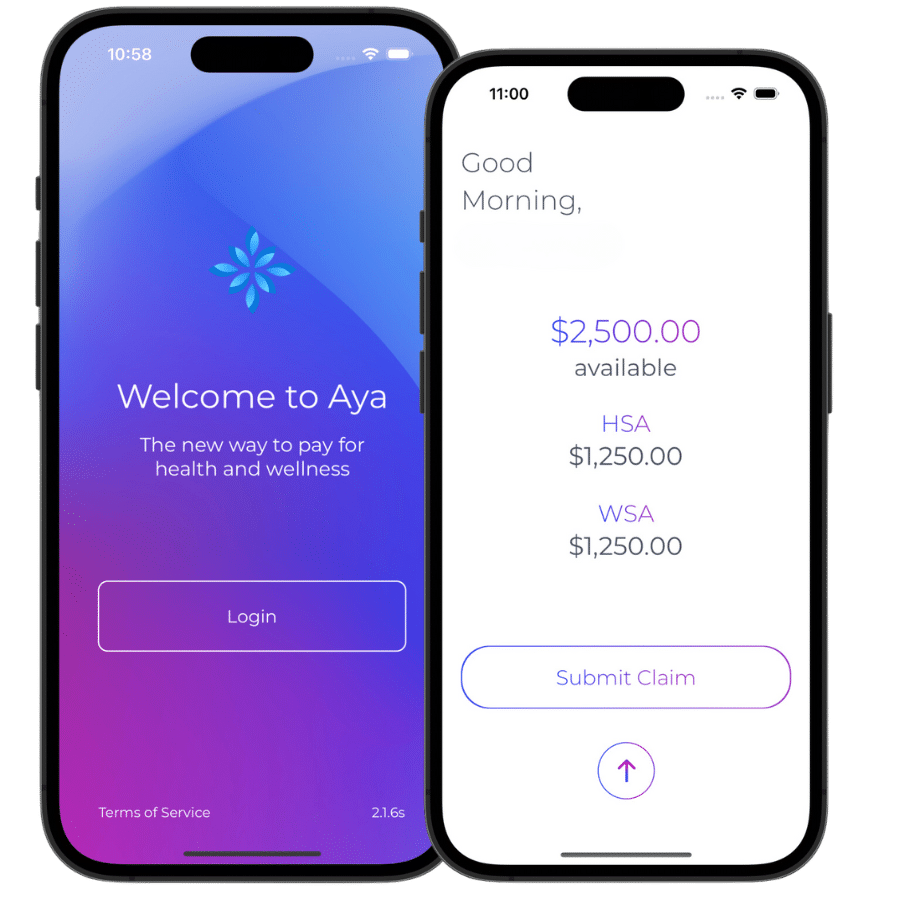
A look inside the portals.

Spending accounts or insurance?

Compare the benefits, explore ways to combine them and calculate your company’s budget.

Compare options and costs

AYA’S RESOURCE LIBRARY

Answers you can put to work.

Choose a guide for the decision or task in front of you. Share it with your team or advisor.

9 resources

START A COMPANY PLAN · PDF

Plan sponsor enrolment

Follow Aya’s company application and plan-review steps.

Open Aya guide

Original 2025 guide · Opens Google Drive

INVITE YOUR TEAM · PDF

Team enrolment guide

Prepare employee details and follow the invitation process.

Open Aya guide

Original 2025 guide · Opens Google Drive

PREPAY ADMINISTRATION · PDF

Prepay administrator guide

Find plan details, employee status, funding, invoices and reports.

Open Aya guide

Original 2025 guide · Opens Google Drive

POSTPAY ADMINISTRATION · PDF

PostPay administrator guide

Work through the reimbursement-plan administration screens.

Open Aya guide

Original 2025 guide · Opens Google Drive

ADVISOR PORTAL · PDF

Advisor resource guide

Explore client companies, enrolment, reporting and portal navigation.

Open Aya guide

Original 2025 guide · Opens Google Drive

JOIN YOUR EMPLOYER’S PLAN · PDF

Employee enrolment guide

Complete your invitation and understand the next enrolment steps.

Open Aya guide

Original 2025 guide · Opens Google Drive

POSTPAY MEMBER GUIDE · PDF

Using your PostPay account

Find your balance, submit receipts and follow claim status.

Open Aya guide

Original 2025 guide · Opens Google Drive

PREPAY CLAIMS · PDF

Prepay out-of-pocket expenses

Use the receipt workflow when you pay an eligible expense yourself.

Open Aya guide

Original 2025 guide · Opens Google Drive

POSTPAY CLAIMS · PDF

PostPay out-of-pocket expenses

Follow Aya’s guide to submitting an eligible expense for reimbursement.

Open Aya guide

Original 2025 guide · Opens Google Drive

The original guides show the 2025 portal experience. Screens and permissions can vary by plan and role. Your current plan documents control.

All resources are shown. Enable JavaScript to filter by audience.

Ready to build your company’s plan?

Get help choosing the account, funding and pricing that fit your team.

Get your plan and pricing

ENROLMENT GUIDE

Know what comes next.

A practical overview based on Aya’s plan sponsor and administrator guides. Your setup may require additional information.

Open the original plan sponsor guide

  1. Prepare the plan

    Confirm business eligibility, who participates, HSA/WSA allocations, the plan year, carryover, your written quote and the funding approach.

  2. Apply and complete review

    Start with your email and complete the company application. Provide the requested business and director information and any identity documents through Aya’s designated secure process.

  3. Review and finalize

    After the application review, follow Aya’s email to review and finalize the plan. Starting an application alone does not activate it.

  4. Invite the team and arrange funding

    The administrator uploads the employee details and sends invitations. Employees complete their enrolment. Fund Prepay before card use; fund approved PostPay benefits before reimbursement.

Stuck on an application?

If a required field is locked, an invitation is missing or the next step is unclear, contact support@ayacare.com. Describe the step and error. Keep identity, banking and claim documents in the secure process.

PORTAL GUIDES

One plan. Different roles.

Use these written overviews alongside the recorded walkthroughs. Available screens and permissions depend on your role and plan.

Employer and plan administrator

  • Review the plan, classes, allocations and contacts
  • Prepare the employee enrolment file and send invitations
  • Check enrolment status, balances and invoices
  • Use reports and confirm the period you need
See the employer walkthrough

Employee

  • Complete the invitation sent by your employer
  • Check your allowance and eligible expenses
  • Activate a Prepay card when it arrives
  • Upload itemized receipts and follow claim status
See the employee walkthrough

Advisor

  • Confirm your access and the client enrolment route
  • Agree on the plan and quote with the employer
  • Review client companies and enrolment status
  • Confirm reporting permissions and servicing responsibilities
Prepare your client scenario

YOUR PLAN STARTS HERE

Talk through the details with Aya.

We’ll help you understand the account and funding choices for your company.

Plan and pricingSelf-enrol