
Help with the amount left to pay.
Deductibles, partial reimbursements and annual limits can leave employees with a bill. An HSA can cover the eligible unpaid amount, up to their available balance.
HEALTH & WELLNESS SPENDING ACCOUNTS
Help your team pay for eligible care—including expenses their insurance leaves unpaid. With an Aya Health Spending Account, you set the allowance and give employees more choice in how they use their benefits.
Set up your company’s plan directly with Aya.






Health Impact Investor ChallengeSpring · Presented by the TELUS Pollinator Fund for Good
Google for Startups Accelerator: CanadaView Google’s alumni listing
WHY ADD AN HSA?
Deductibles, partial reimbursements and annual limits can leave employees with a bill. An HSA can cover the eligible unpaid amount, up to their available balance.
One employee needs glasses; another needs dental care. Each can direct their HSA allowance toward their own eligible expenses.
Choose the allowance and employee classes. See Aya fees separately from benefit funding, then confirm your written quote.
CHOOSE HOW YOUR TEAM PAYS
Your company funds the benefits in both options. Choose the experience that fits your team.
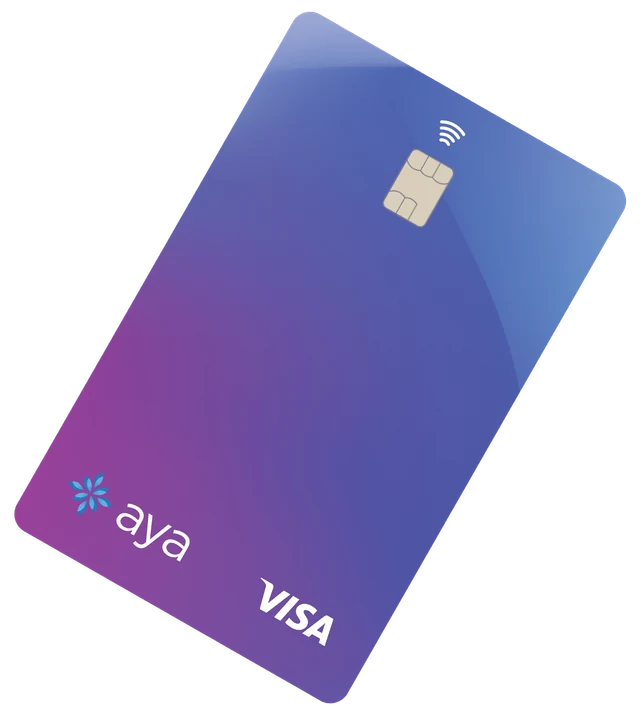
PREPAY
Employees use their activated Aya card for eligible care, within their available balance.
Your written quote confirms the administration and card fees. Out-of-pocket claims are available when card payment is unavailable.
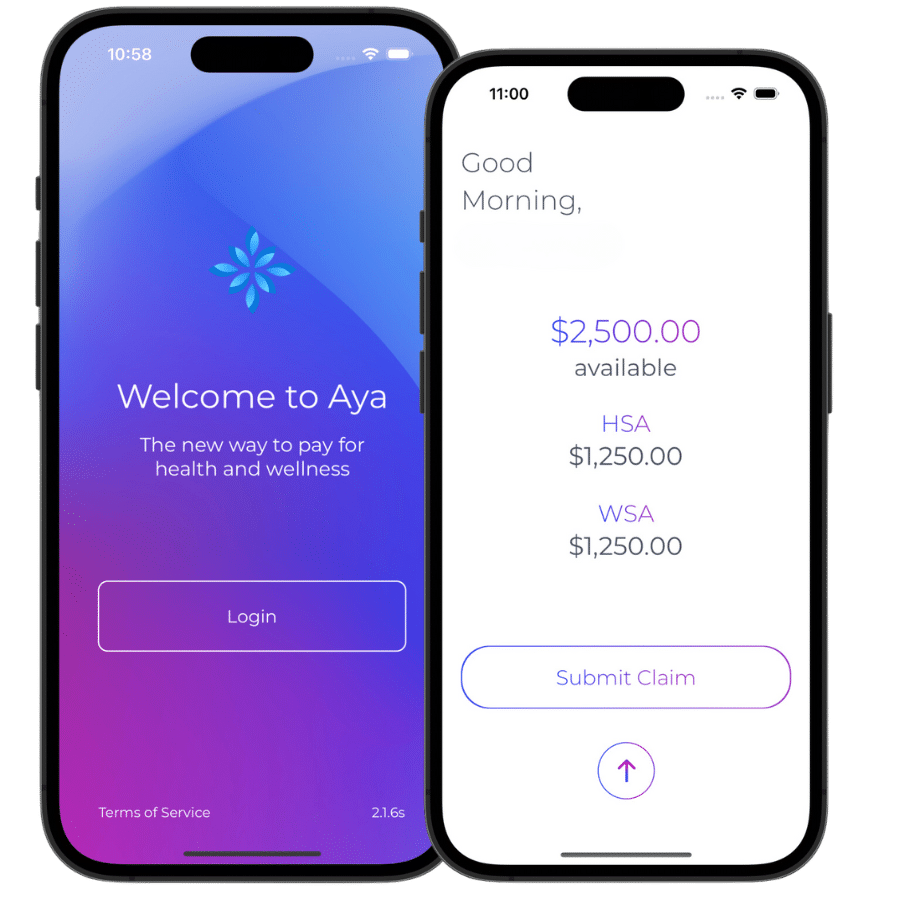
POSTPAY
Employees pay for eligible care and submit a claim through the app or web portal.
Your written quote confirms the administration and reimbursement fees. Review and bank processing times apply.
CAD. Benefit funding and applicable taxes are additional. Direct Prepay pricing and the current PostPay new-account option; advisor and existing agreements may differ. See pricing details.
A Health Spending Account covers eligible healthcare expenses. A Wellness Spending Account supports your plan’s wellness categories. Aya’s Flex option brings both together.
A CLIENT’S WORDS
“I can’t think of anyone better to take care of our insurance”
Compare the fees, see the portal and confirm the support and setup your company needs.
Watch the walkthroughsA QUICK LOOK INSIDE AYA
Start with the essentials. Explore the original videos and guides when you want more detail.
Confirm employee eligibility, HSA/WSA allowances, funding and your written quote.
Complete company review, prepare employee details and send their enrolment invitations.
Use your portal for plan information, employee status, invoices and available reports.
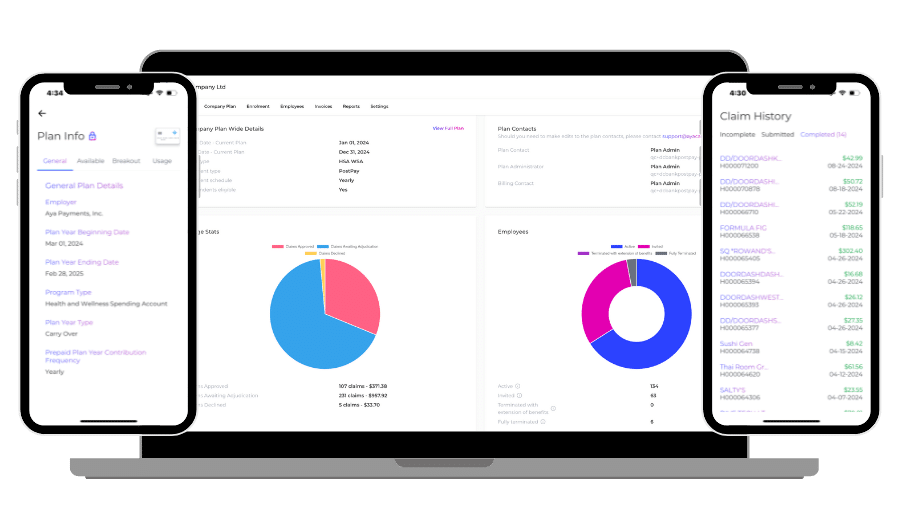
Complete your invitation, then check your allowance and eligible expenses.
Use an activated, funded Prepay card, or pay personally and submit a PostPay claim.
Upload the required receipt and check claim status. Reimbursement follows approval and employer funding.
ANSWERS FOR YOUR NEXT DECISION

Explore business eligibility, existing coverage and the expenses your plan could include.
Check the employer questionsSee employee invitations, plan details, invoices and reporting in Aya’s original guide.
Open the administrator guideWork through company details, plan review, employee invitations and funding.
See the enrolment stepsFREQUENTLY ASKED QUESTIONS
Aya is available to all registered businesses in Canada—small, medium, large, or enterprise—with one or more employees, with no size restrictions. Self-employed individuals qualify if they receive T4 income from their incorporated business.
For HSAs, employers set up and fund the accounts, defining eligibility based on job level or status for their employees.
No problem! Eligible expenses go to the primary group benefits plan first, then to a partner’s plan if applicable. Any unpaid portions can then be submitted to Aya’s HSA/WSA for comprehensive coverage.
Once we receive the completed application, onboarding is completed within 24 hours.
Aya offers use-it-or-lose-it and carryover options. With a use-it-or-lose-it plan, unused contributions and associated taxes are returned to the employer after the claim-submission grace period. Administration fees are non-refundable.
Give us a shout! Send us your details, or if you prefer to chat, choose a time with Chanddeep. Ready to go? Self-enrol your company.
YOUR PLAN STARTS HERE
Confirm the account and funding fit, review your written quote, and prepare to enrol.